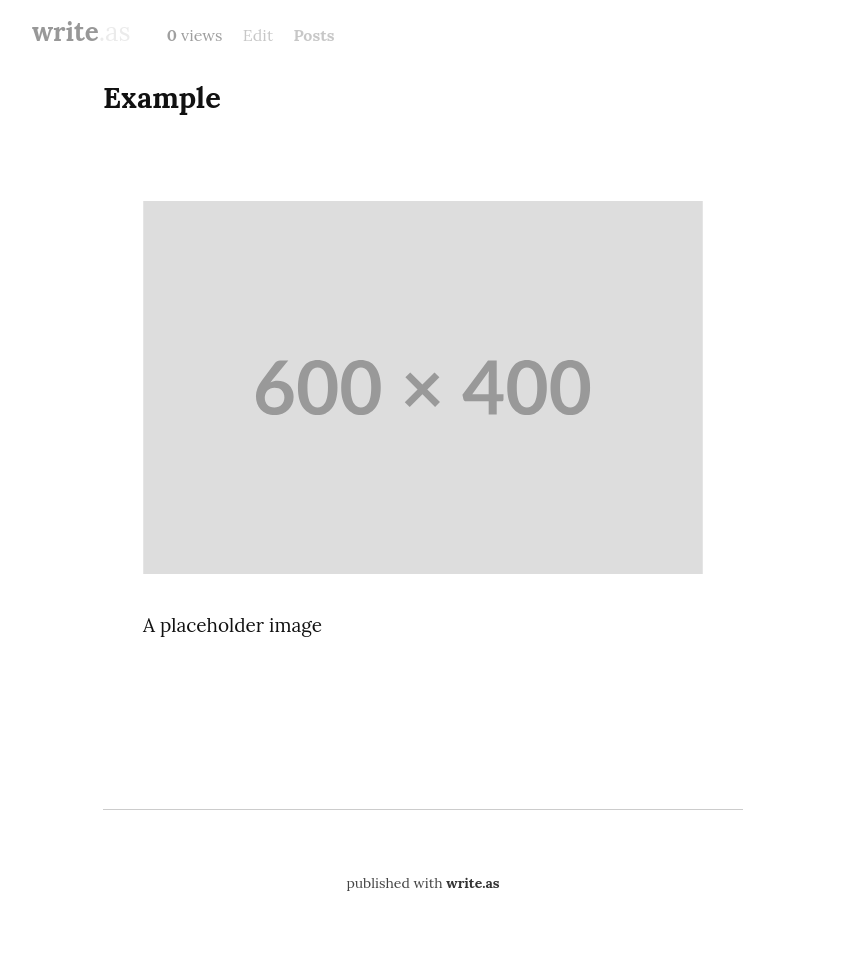
I noticed that WriteFreely supports custom HTML (as most Markdown parsers do), and it renders it properly. However, if the user switches to the rich text editor, the custom HTML is lost.
I almost always use the plain text editor, but sometimes I switch to the rich text editor to upload photos. That’s particularly unfortunate, because about the only time I need to use custom HTML is to write a <figure> and <figcaption> to make photos look nicer. Therefore, if I’m writing these custom <figure> elements while switching back and forth between the rich text editor to upload more photos, those <figure> elements are lost.
Here’s an example.
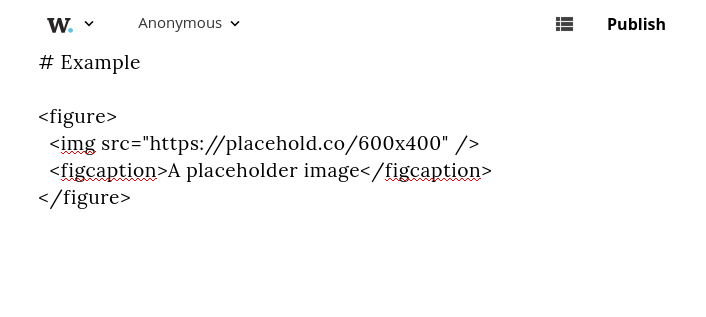
Write custom HTML in the plain text editor (works as expected):
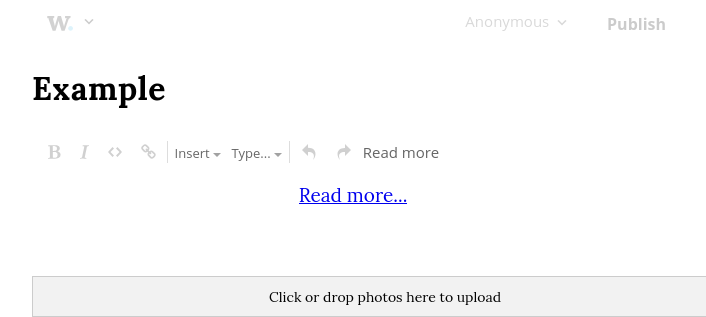
Switch to the rich text editor (custom HTML is not rendered):
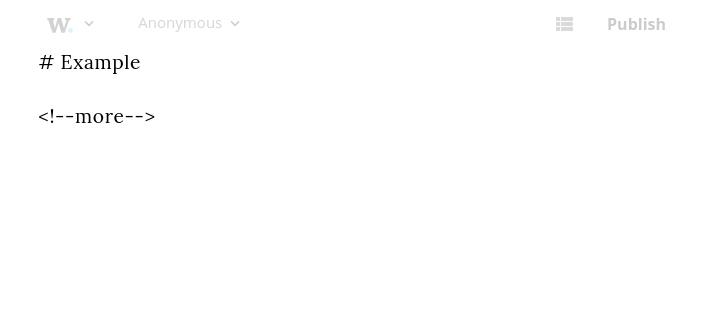
Switch back to the plain text editor (custom HTML has been deleted):
However, if the post is published without ever switching to rich text editor, it renders as expected, suggesting that custom HTML is supported, just that it’s lost when switching to the rich text editor: